
1. Click on the gear icon on the right navigation menu.

2. Click on Organization and select Drop File Here
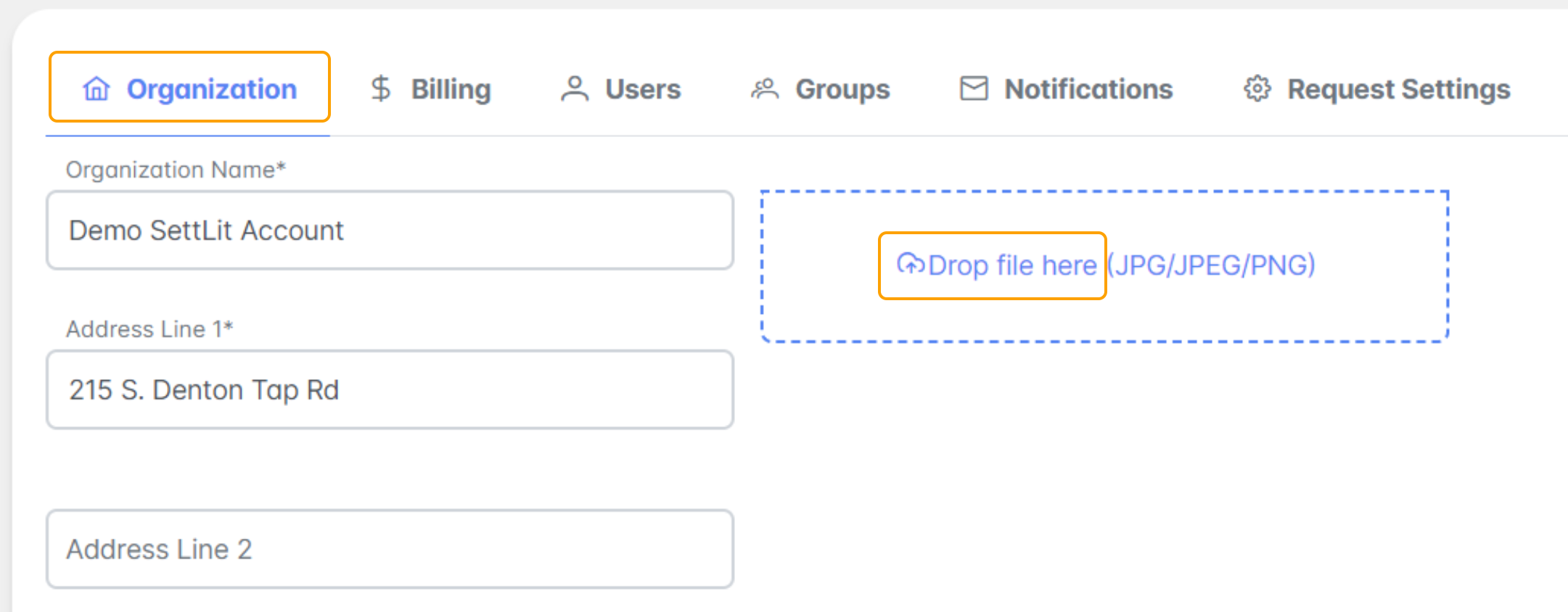
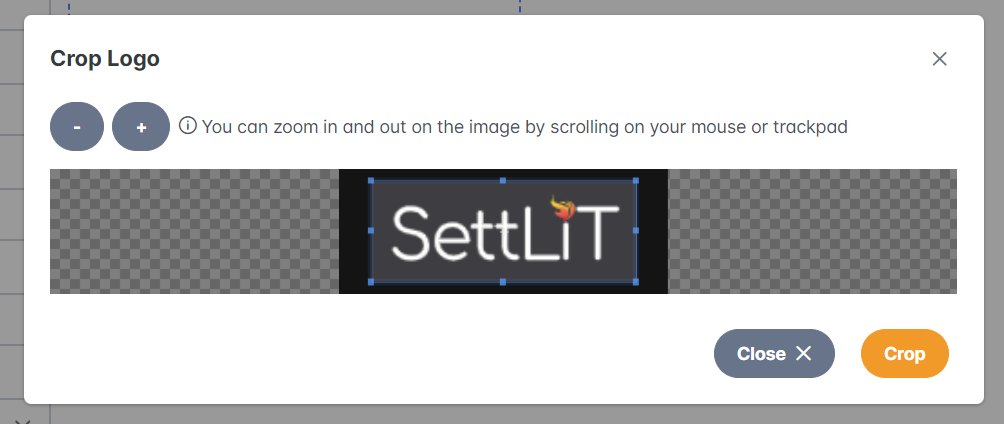
3. Upload the image of the logo from your computer. Use the crop tool if applicable and select Crop.
4. Select Save.

If you have questions or feedback, please feel free to reach out to us at support@settlit.legal.com