
This article will walk you through the steps of engaging your client for the purpose of retrieving the available data from within their patient health portal.
1. Navigate to your client's profile.
2. Click the "Request Services" button on the client's profile.

3. There are two Patient Options to search individual providers across SettLiT claims and provider networks to access medical records or billing. Select both or one check box. Please note that the claimants email must be populated on their profile in order to complete these requests.
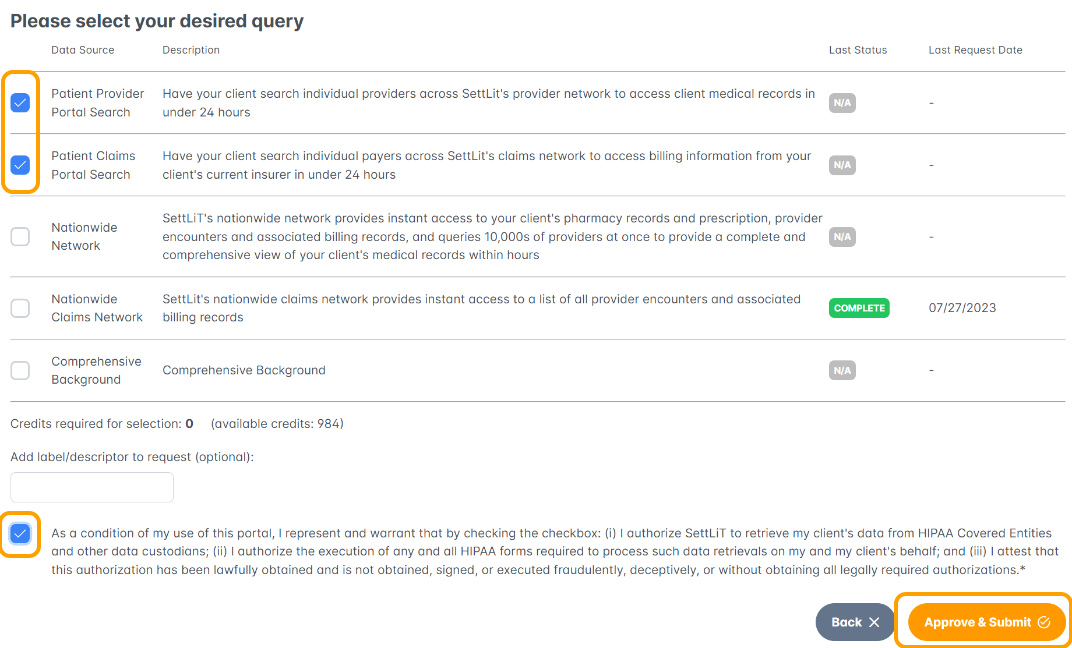
4. Click "Approve & Submit".
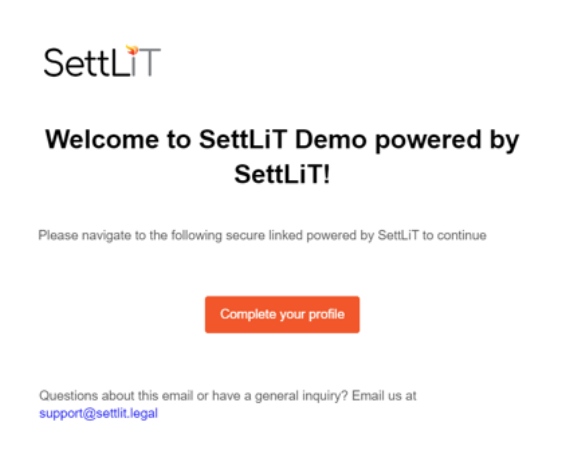
5. The claimant will receive an email asking them to "Complete your profile" which will connect them into the networks.
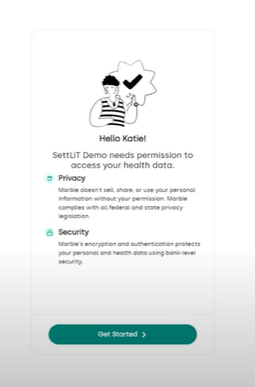
6. The patient will see the following screens where they will be asked to Get Started and then confirm their identity using the code that is sent to their email. Follow the prompts to complete the flow.
7. The claimant will then be asked to search for their specific provider in order to log in and obtain their data.
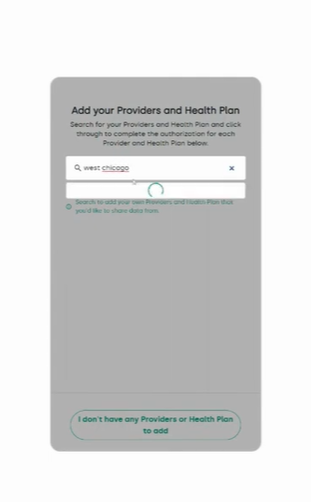
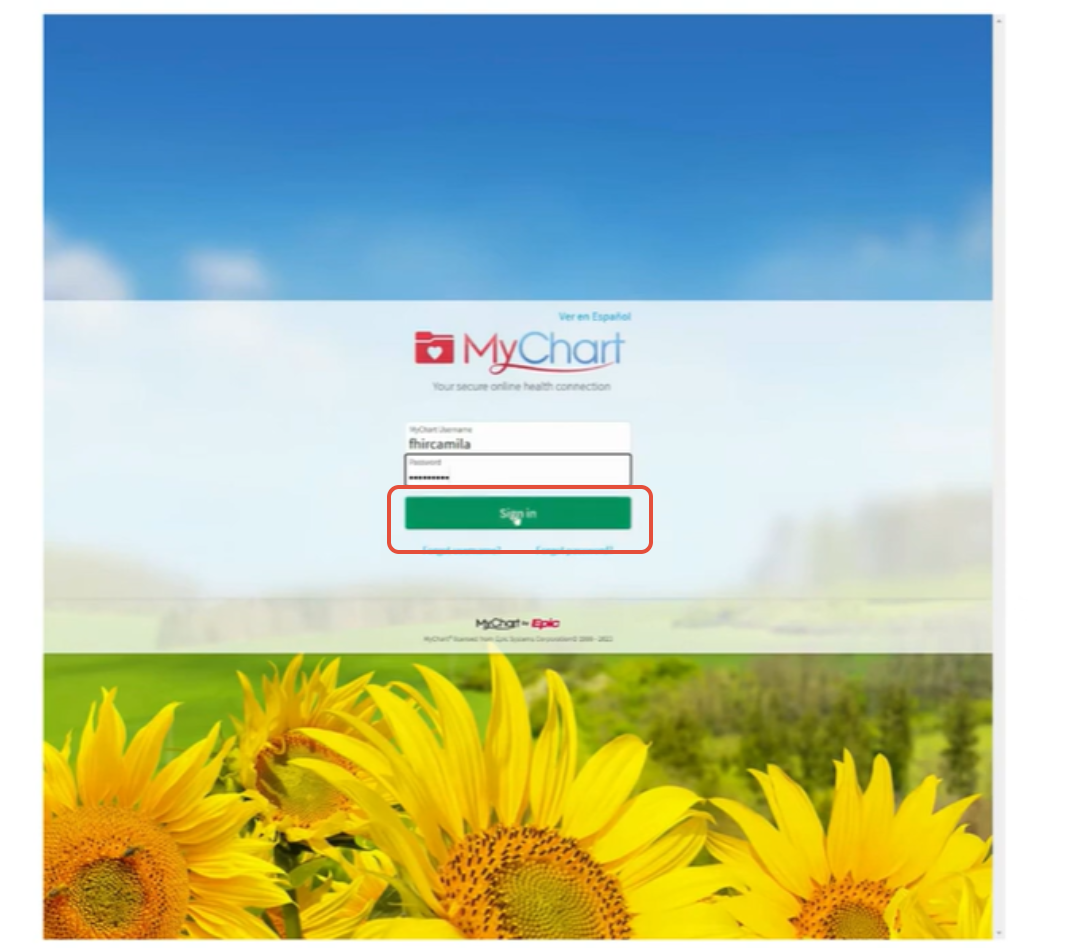
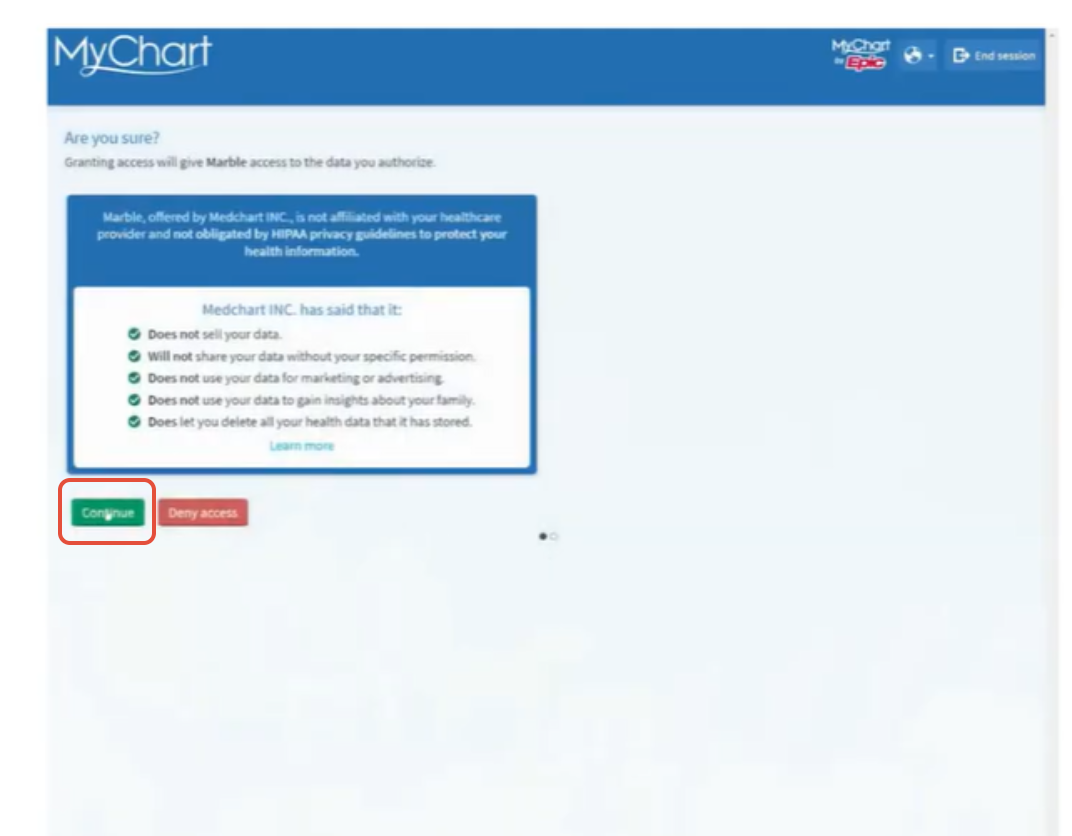
8. When the provider has been added, the claimant will be brought to their log in screen. Sign in and select Continue to approve the retrieval.
9. The process is complete. The health data will sync back to the claimant profile for review and export.
If you have questions or feedback, please feel free to reach out to us at support@settlit.legal.