
Within our new user interface, we've developed a plaintiff fact sheet. This plaintiff fact sheet empowers you to extract pertinent medical information from the data, consolidating it into a succinct summary for easy accessibility.
Step 1: Navigate to your client's profile whose data you wish to review.
*NOTE: the functions of the plaintiff fact sheet serve for clients who have had a Nationwide Network digital query complete.
Step 2: Select 'View' for Fact Sheet:

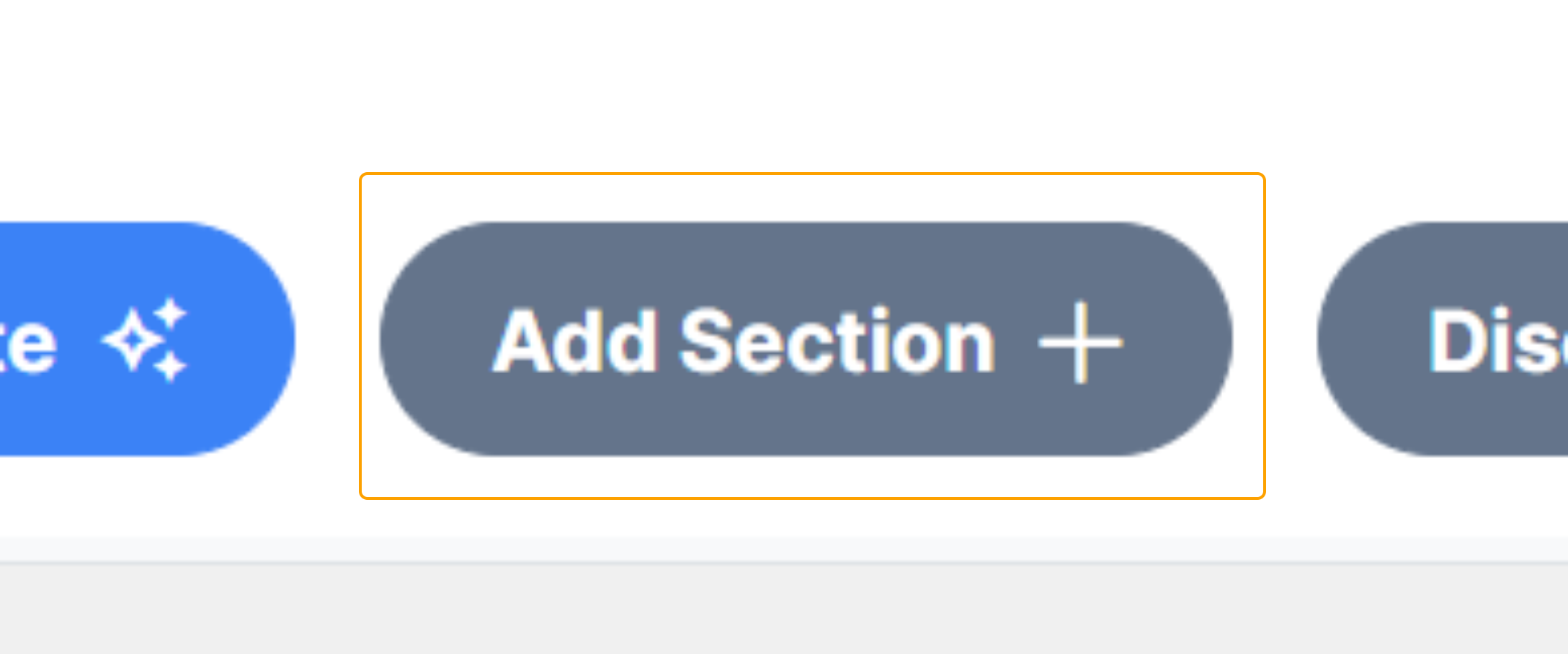
Step 3: Begin adding your Sections by selecting the 'Add Section +' button:
Select the desired Sections from the dropdown menu and choose 'Add +'.
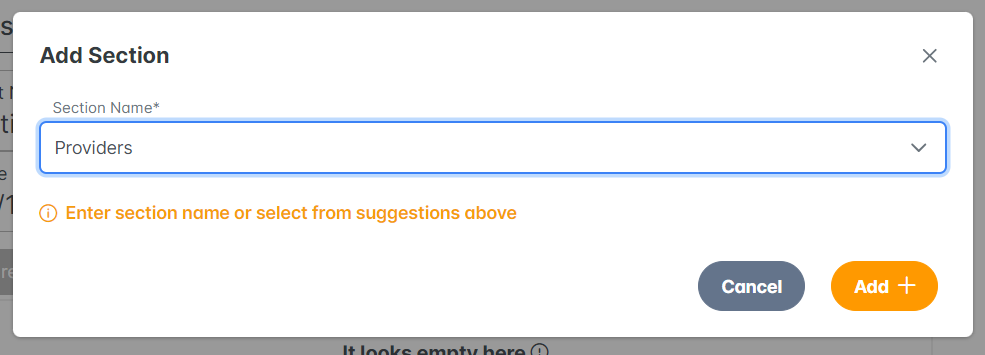
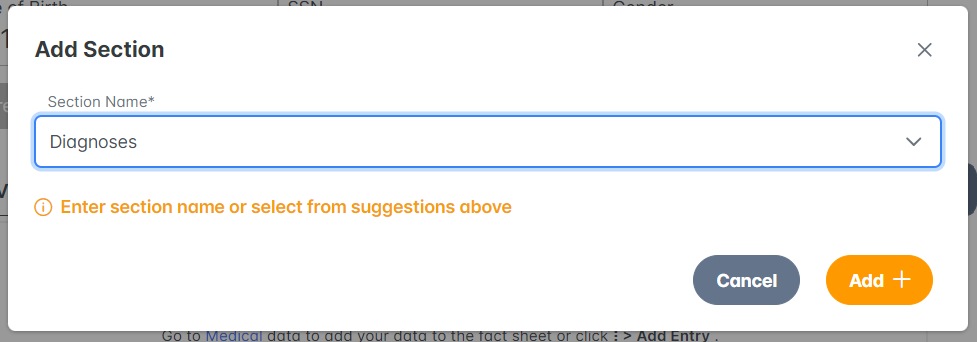
Once all desired sections are chosen, select 'Save'.
Now you are ready to navigate the data and bookmark data entries to your fact sheet.
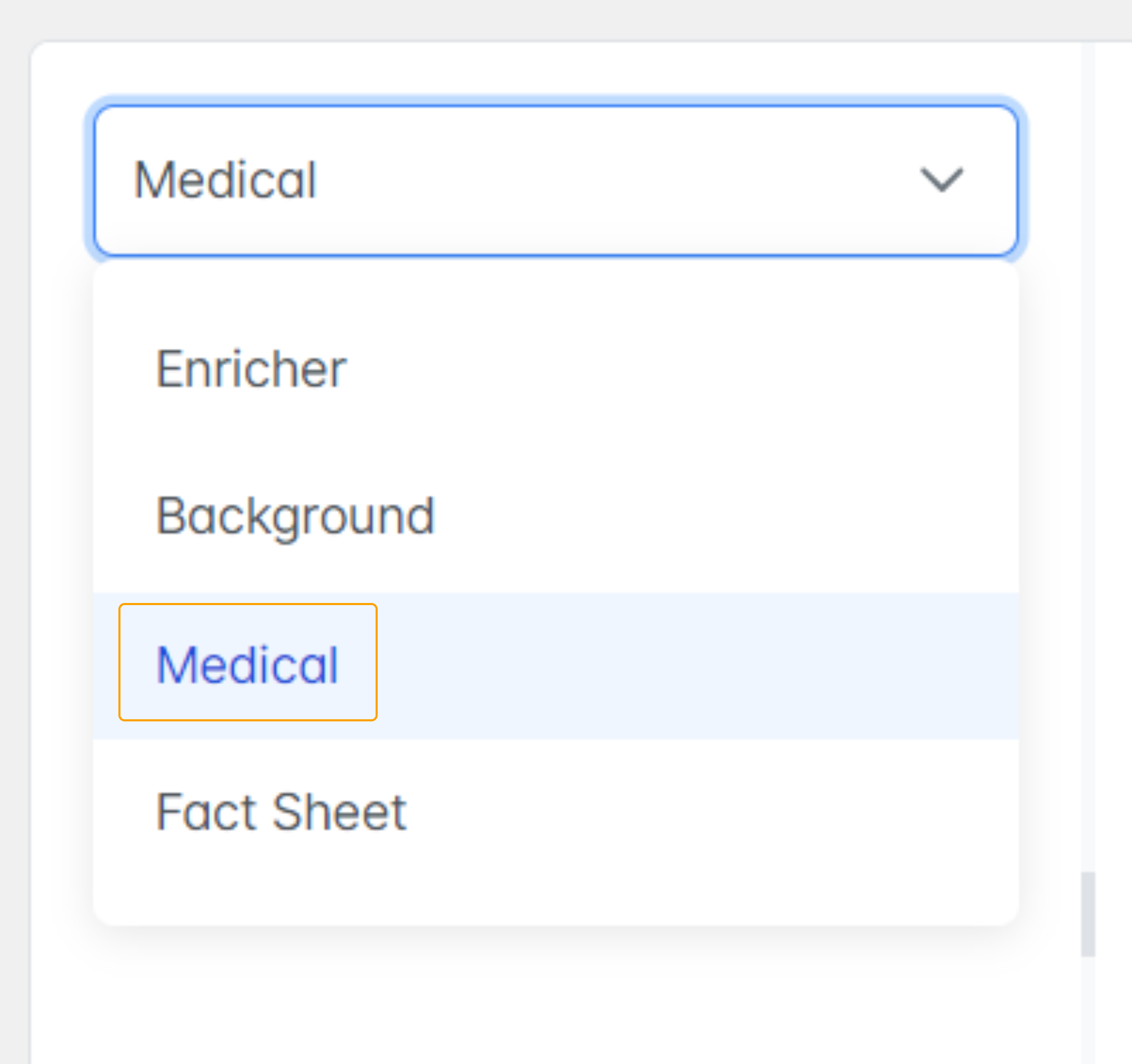
Step 4: Navigate to the drop down menu and select 'Medical' to get back to the data viewer.
Step 5: Within each category (Providers, Medications, Conditions & Procedures, Observations), there will be an 'Add to Fact Sheet' button at the top of the viewer.
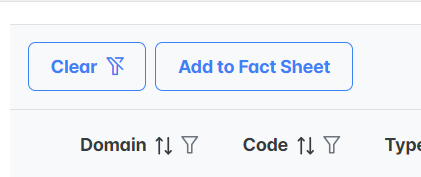
When selected, you will see the option to check boxes on every row of the data table.
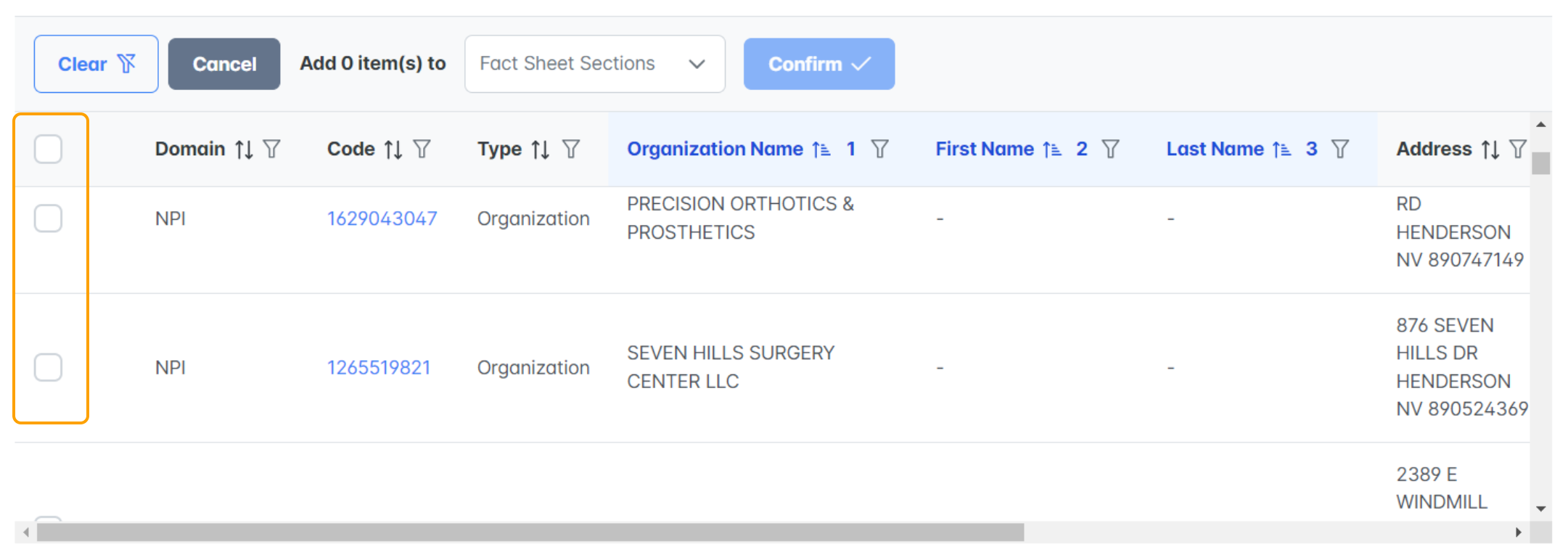
Step 6: Select all entries of relevance or interest to the case and use the drop down menu to select which section the entries belong:
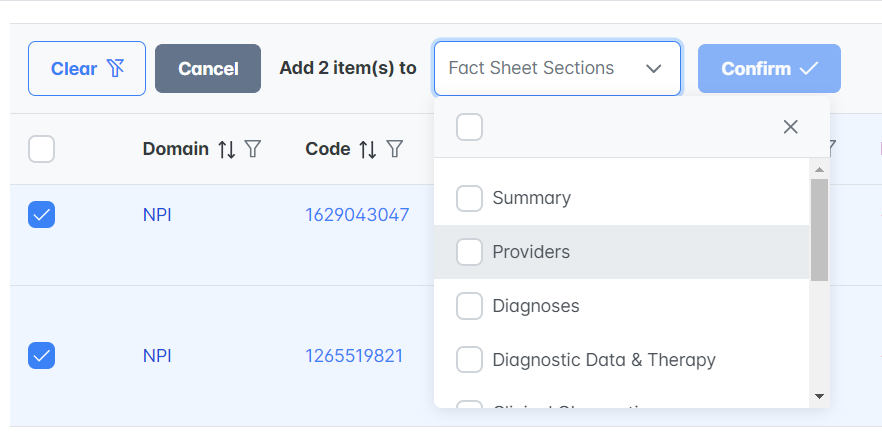
Select Confirm.

Repeat the same steps for Medications, Conditions and Procedures, and Observations. All bookmarked entries will begin to populate on the Fact Sheet as you review the data.
Please reach out to your customer support team with any questions!