
We have created an easy way to have AI assistance when reviewing and analyzing SettLiT data.
You will notice a blue AI Toolbox button on the right corner of the data viewer.

When selected, you'll be provided 4 options:
- Add entries to my Fact Sheet
- AI will review the data and create categories on the Plaintiff Fact Sheet based on the Motor Vehicle Accident use case (first iteration of the fact sheet).
- Summarize my Fact Sheet
- Once AI adds the entries, it will then summarize the entries in a narrative format to include Summary Overview, Strengths, Weaknesses, and Legal Case Implications based on a motor vehicle accident use case.
- Read my text files
- For instances when PDFs are returned from the Provider Network, this option allows you to select the PDF files and will then read and extract the data from those PDFs making it structured data within the data viewer tables.
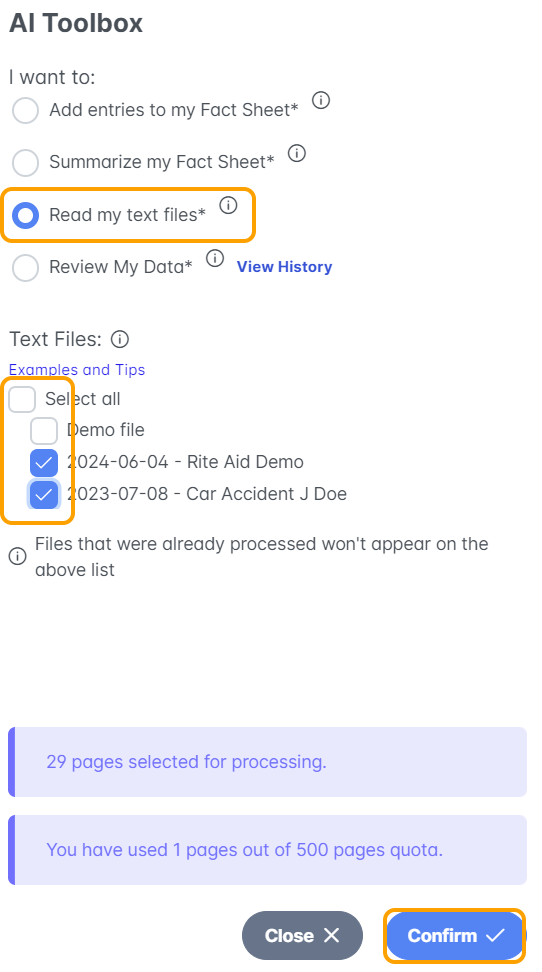
4. Review My Data
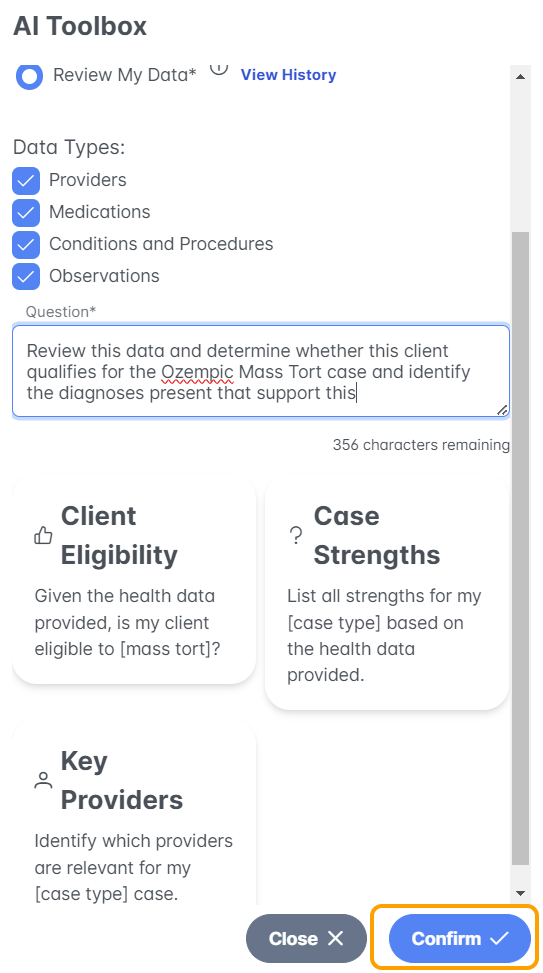
- Users are able to prompt the AI with a question relating to reviewing the data. This can be framed from a Mass Tort perspective or Personal Injury.
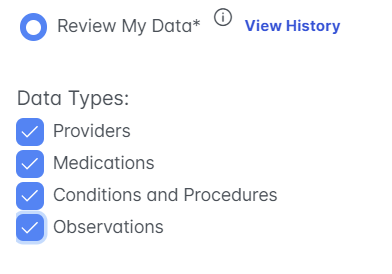
- Select which data is to be included as illustrated below:
- Ask the AI a question. An example is: "Review this data and determine whether this client qualifies for the Ozempic Mass Tort case and identify the diagnoses present that support this."
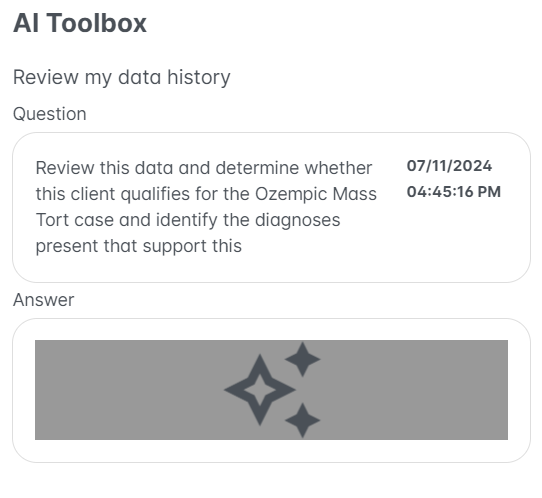
- The result will vary based on the AI and the data available.
If you have any questions or would like a live demo, please do not hesitate to reach out to your support team!