
1.Go to your client’s profile by selecting the Clients tab from your Dashboard.

2.Once you are on the client’s profile click the Disbursements icon:

3. The digital requests will be listed within the table.

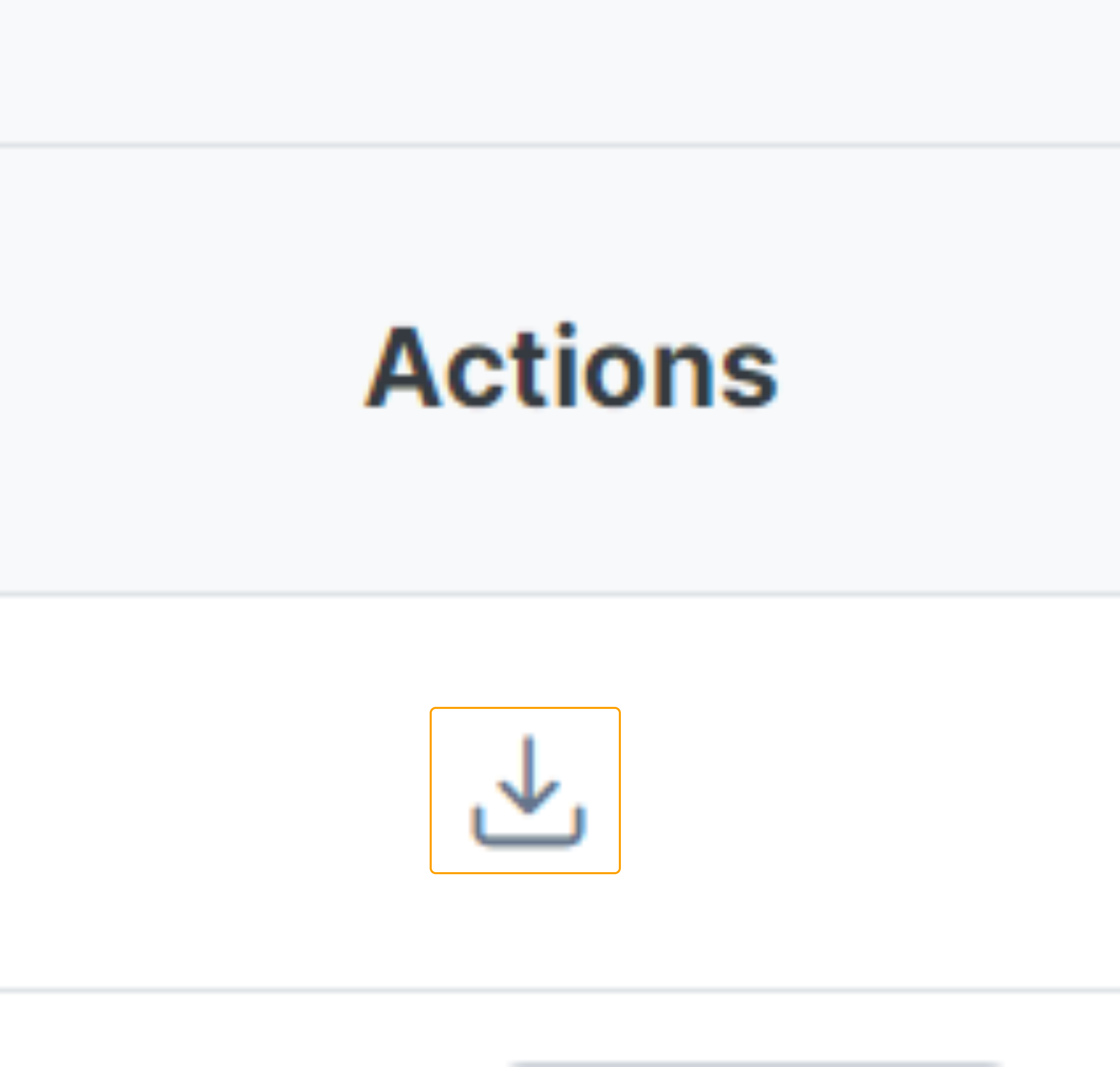
4. Under the actions column, click the download button.
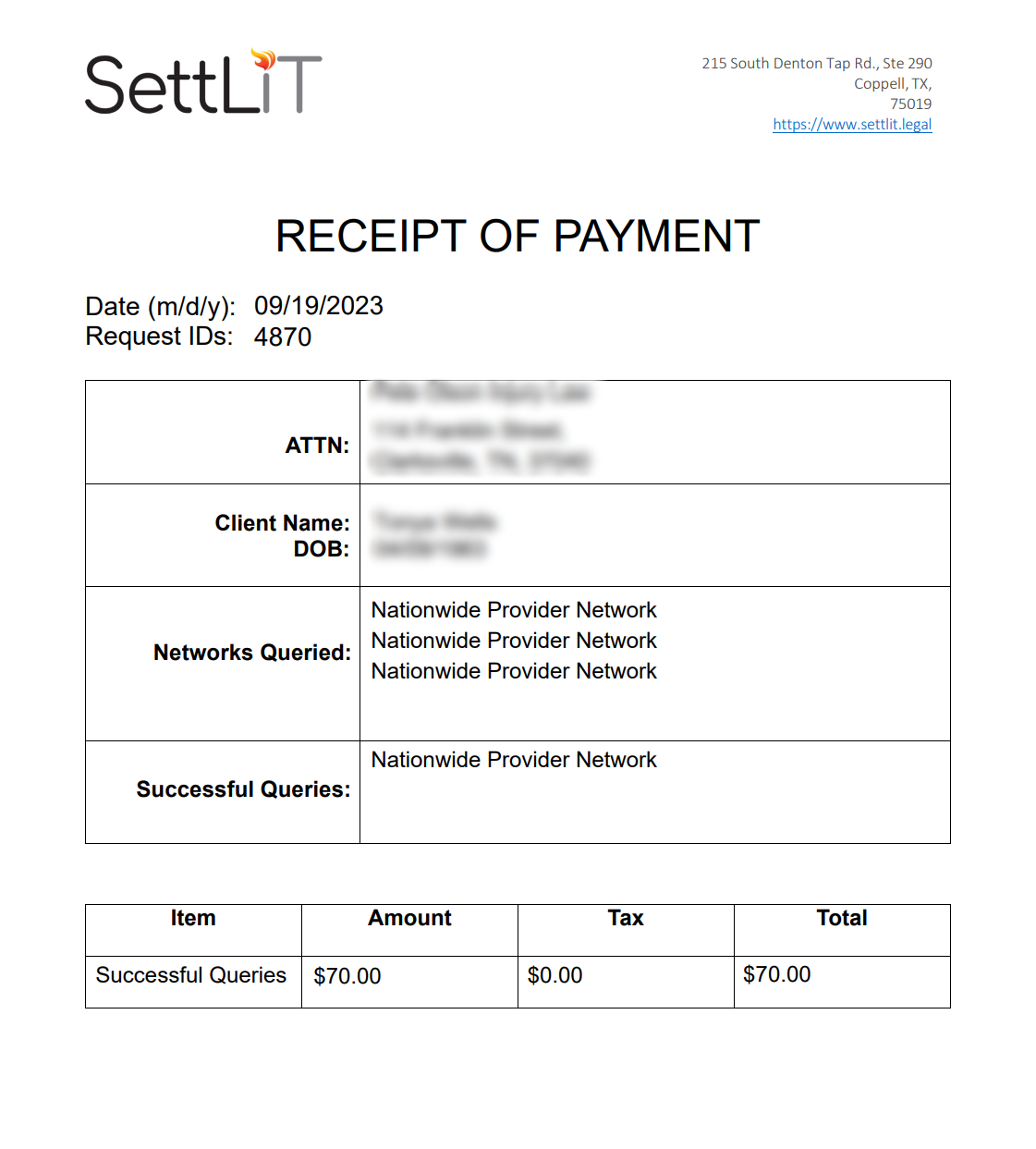
The file will download to your computer as a PDF shown below.
Congrats, you now know how to locate your client disbursements! Please send us an email to Support@settlit.legal.com if you require further assistance.