
Please note this feature is only available to firms whose accounts have had Filevine integrated to allow for this import ability.
If your firm does not have Filevine integrated with SettLit and you would like to, please send an email to support@settlit.legal. to get set up.
1. In Filevine, copy (Ctrl+C) the Client's Project Number.
Example https://app.filevine.ca/#/project/3057291/activity
2. Navigate to your Clients tab within SettLiT and click Add Client.

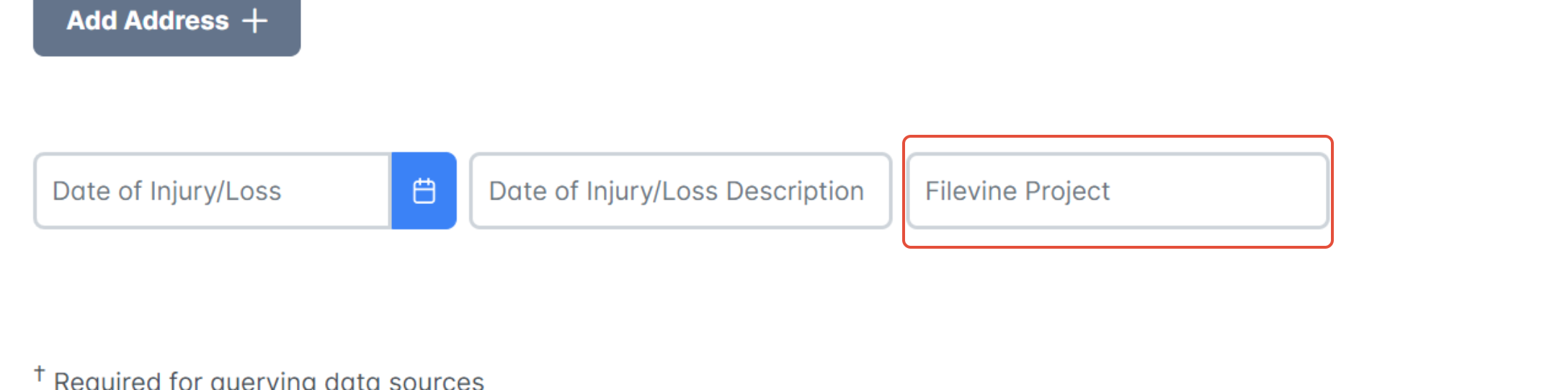
3. On the client registration page, paste the copied URL into the Filevine Project Import Tool and select Save. Enter any information missing and continue with the client registration process as normal.
Note: This process can also be completed for existing clients prior to the Filevine integration.

5. You will then have the option to link the Filevine Project URL or Search for the Filevine Project by name. The search results will populate. Select the appropriate client project and Select Import Client:

For all clients that are added to SettLiT from Filevine, you will still be responsible for registering the client documents within SettLiT. See the How to Register the Client Signature article for help on this.
If you have questions or feedback, please feel free to reach out to us at support@settlit.legal.