
In this article we will provide step by step instructions on how to add a staff user to your organizations account. Of note, this can only be done by an ADMIN user.
1. Select the gear icon in the top right corner of your portal.

2. Select the "User" tab and then the orange "Add User +" button.

3. Enter the new user's information
- First name, last name, and e-mail address are mandatory
- Provide admin privileges (if required)
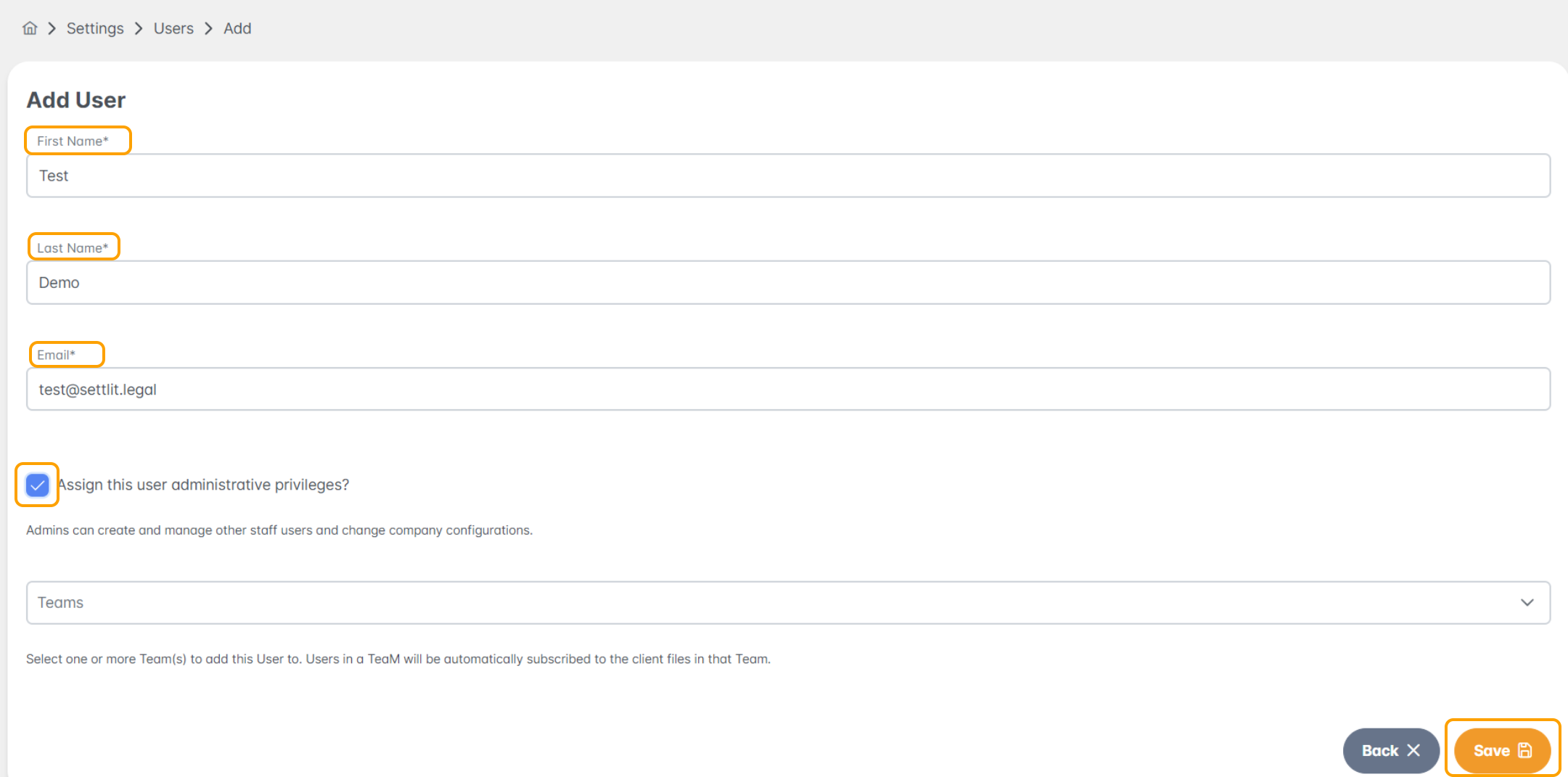
4. Add the user to a lawyer team(s)
- If your organization has lawyer team(s) set up it will automatically assign client files to the associated users under the team
- If you need to add a lawyer team please go to the help article titled "Adding Lawyer Team(s)"

5. Click save
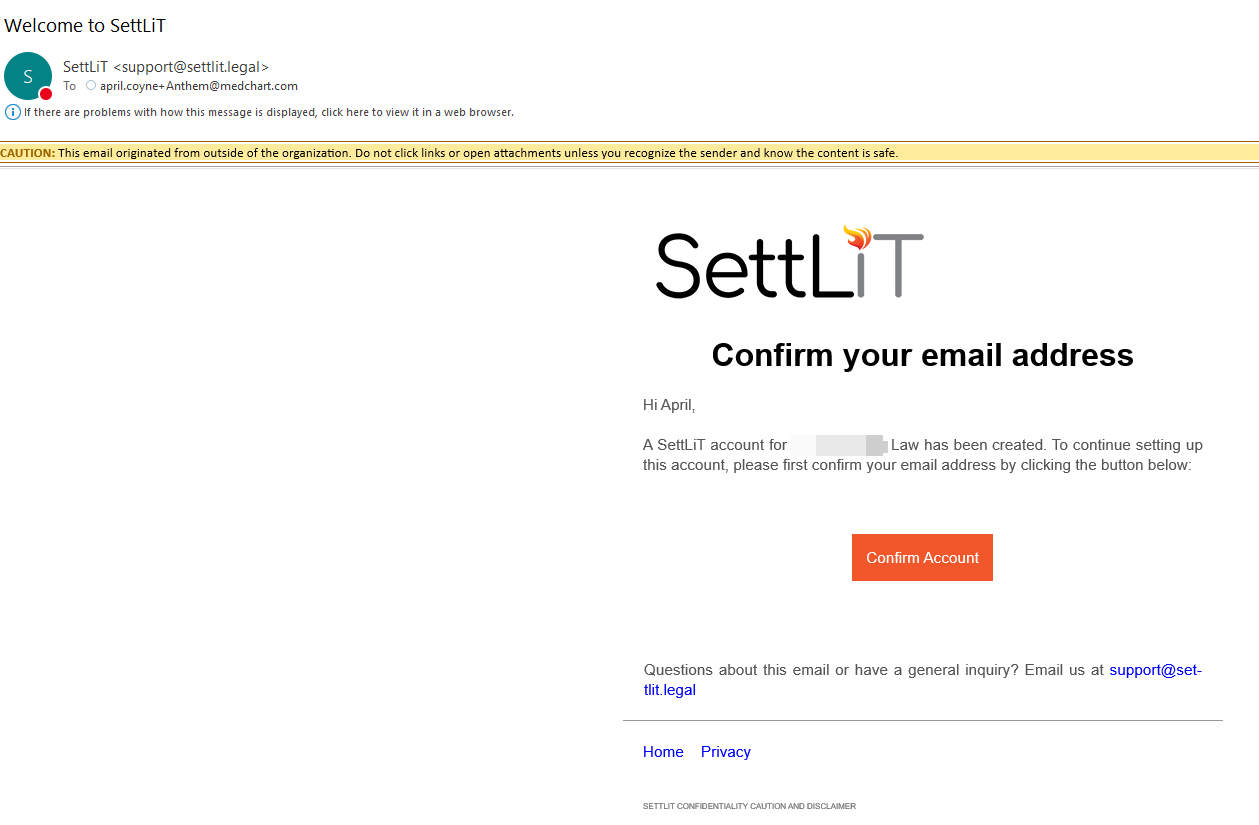
- The user will get an email from support@settlit.legal titled "Welcome to SettLit" asking them to confirm their account
If you have questions or feedback, please feel free to reach out to us at support@settlit.legal.