
This article only applies for Admin users in your organization.
If someone cannot find this invitation email or the invitation link has expired and they have not logged in before, please resend an invitation email following these steps:
Step 1: Go to "Users"
- Click on the Gear icon
- Select Users
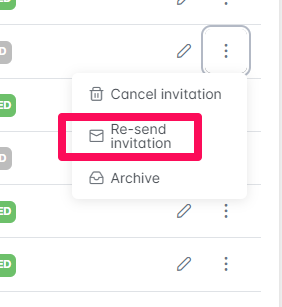
Step 2: Select the three dots next to the user under the Action column. Select "Re-Send Invitation". Please note you can only resend an invitation if the account has not been set up or logged in yet (profile status "invited").
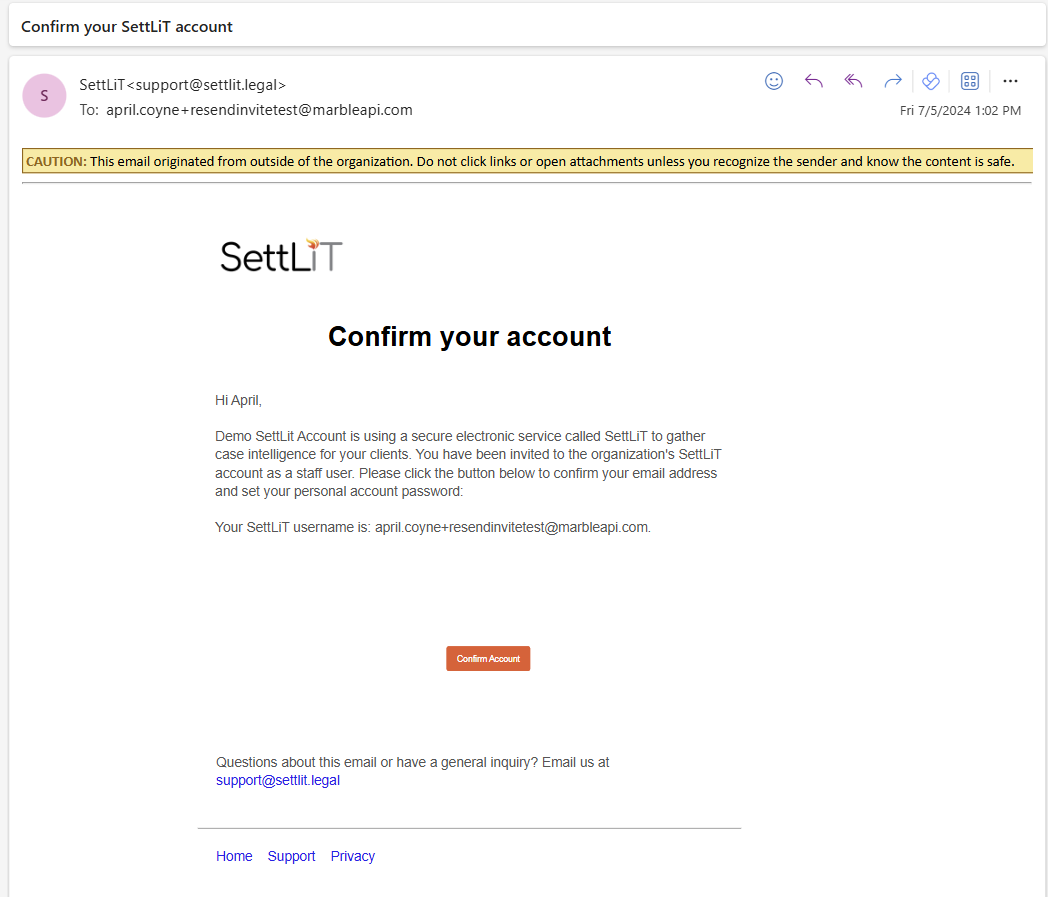
Step 3: The user will receive an e-mail asking them to confirm their account
If you have questions or feedback, please feel free to reach out to us at support@settlit.legal.