
The following steps will allow you to seamlessly add a new client using SettLiT's new User Experience!
Step 1: When you are brought to the new home screen, click on the Clients tab on the navigation menu across the top of the screen.

Step 2: Select the Add Client button

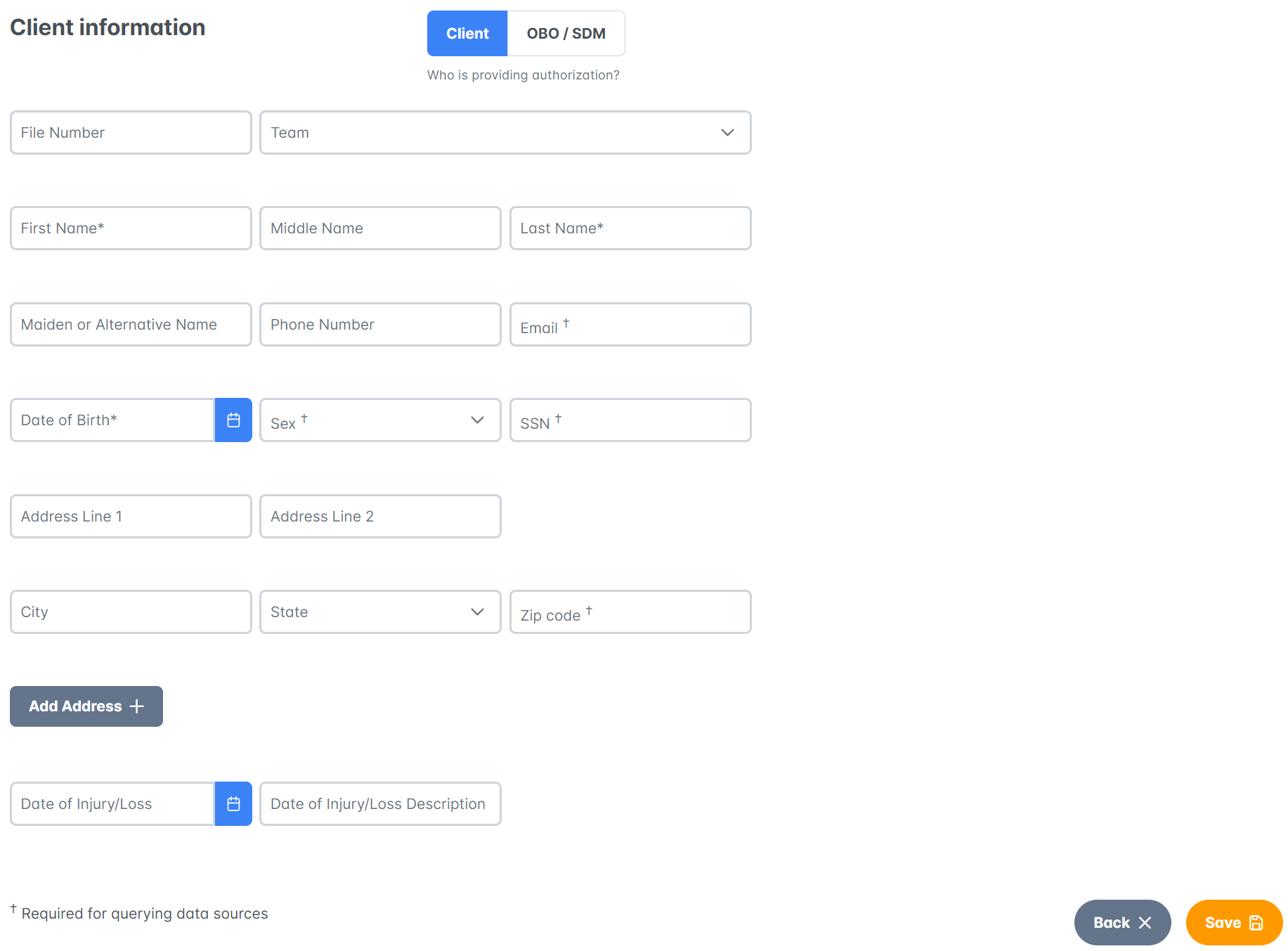
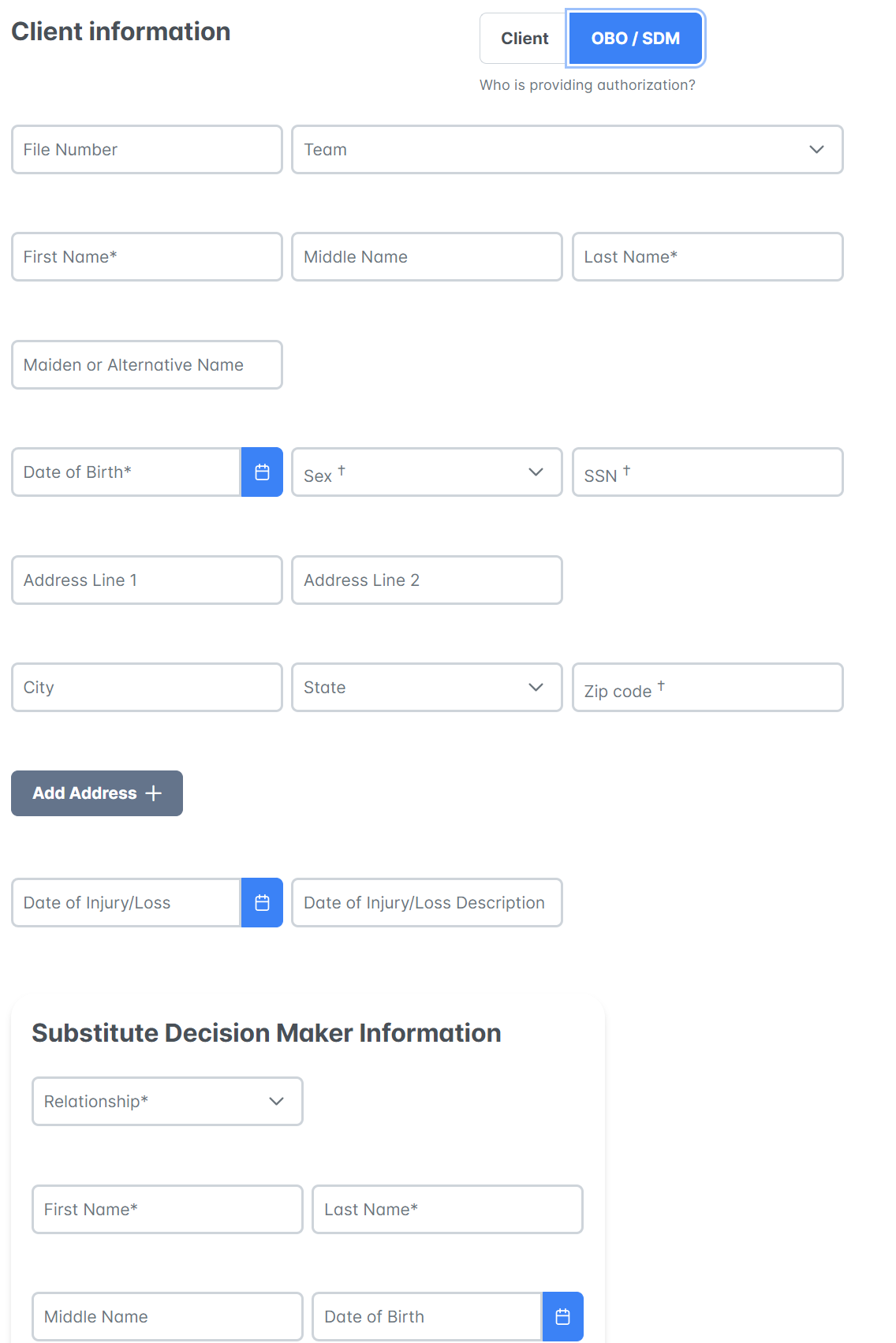
Step 3: Here, you can use the toggle to choose whether you are inputting Client information or a Client with a Substitute Decision Maker or "On Behalf Of" situations.
Note: OBO/SDM cases include clients who may be incapacitated, minors, or deceased. Supporting documents are required for these types of cases which include:
- Supporting documents include: Death Certificate, Marriage Certificate, Power of Attorney Document, Birth Certificate, Executor of Estate, Will, or Affidavit of Next Kin
Client:
OBO/SDM:
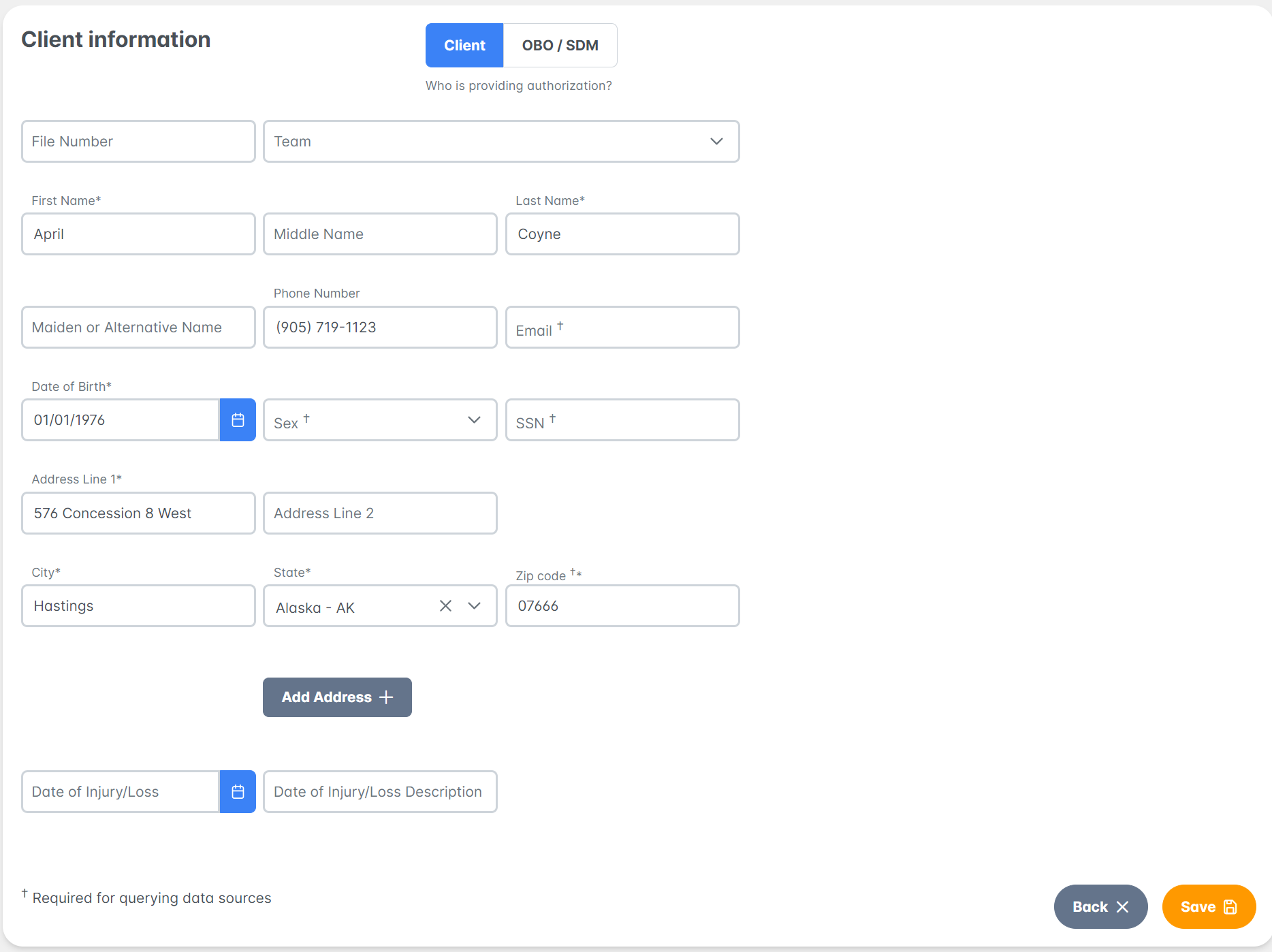
Step 4: Input all Client information and click Save. Don't forget to include the Date of Injury/Loss if applicable.
Note: The mandatory fields remain as First Name, Last Name, and Date of Birth
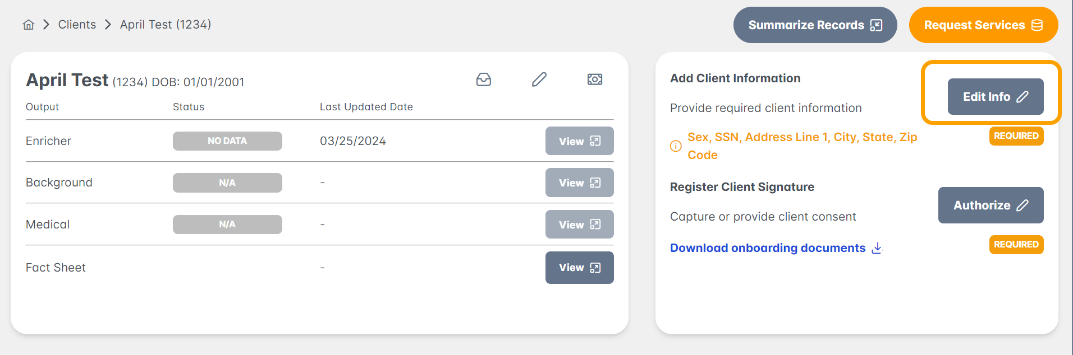
Note: If you do not complete the client profile, you may navigate back at any time. Select the client from your clients list and select Edit Info under the Add Client Information section on the dashboard view
Great job! You now know how to add a client to your SettLit account.
Please reach out to us at support@settlit.legal if you have further questions!