
The following steps will allow you to seamlessly add a new client who has a substitute decision maker using SettLiT's new User Experience!
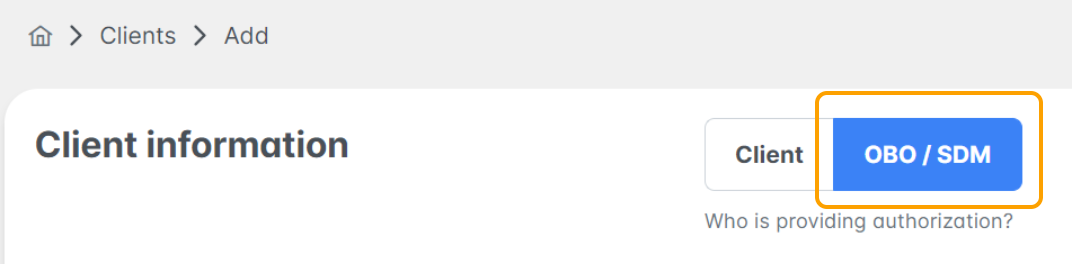
1. Select Add Client under the Clients Tab.

- Use the toggle to select OBO/SDM
- OBO/SDM: Substitute Decision Maker or on behalf of cases, responsible for signing on behalf of client
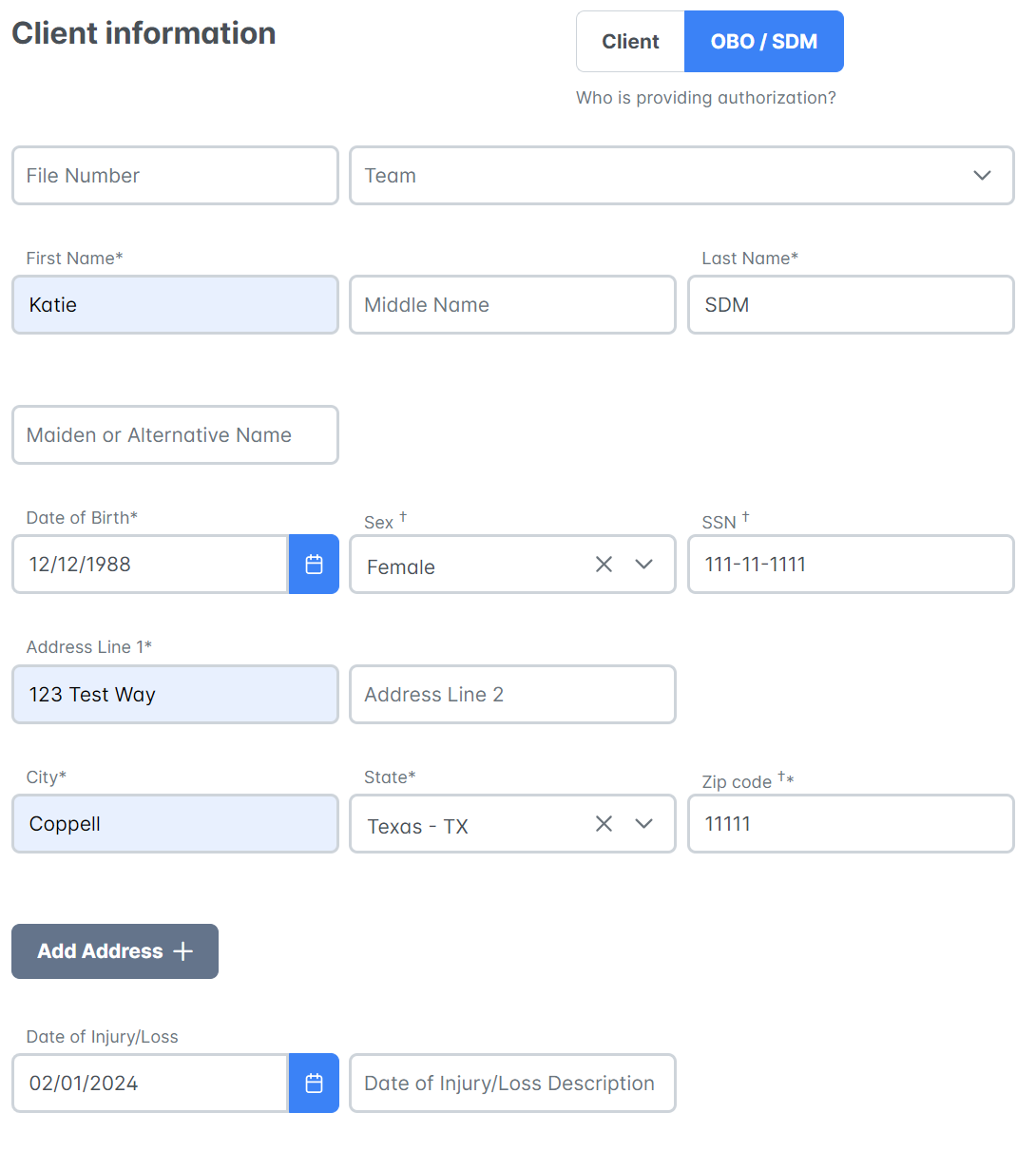
2. Fill in the Client Information followed by the Substitute Decision Maker Information.
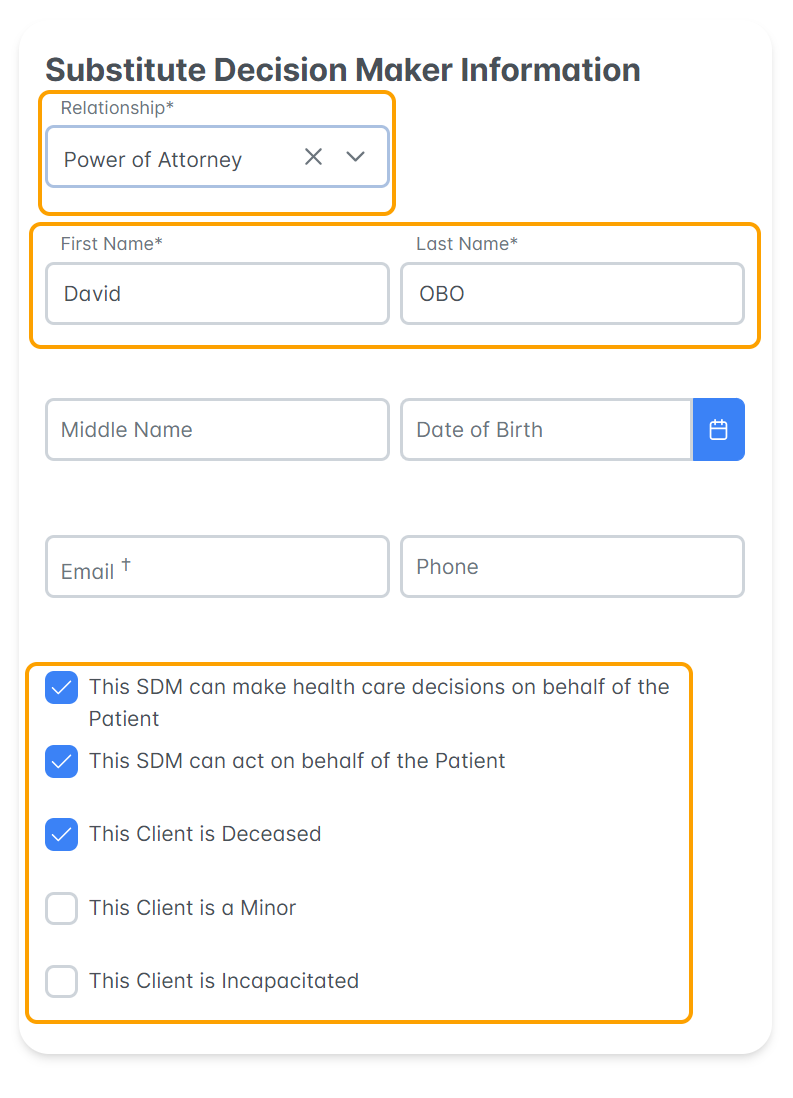
- Mandatory SDM Information is Relationship, First Name, Last name
- Identify the relationship type and check the boxes as they apply to the use case.
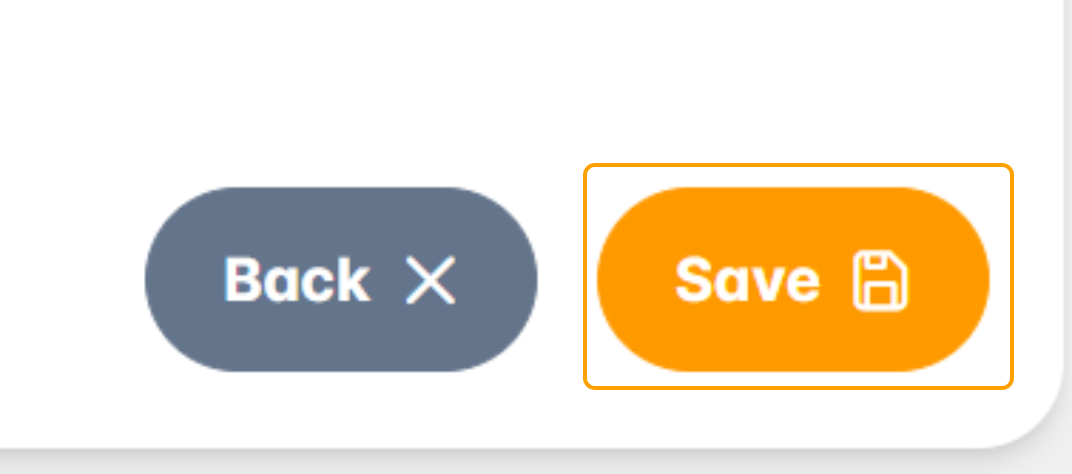
3. Once all mandatory fields are complete, select Save.
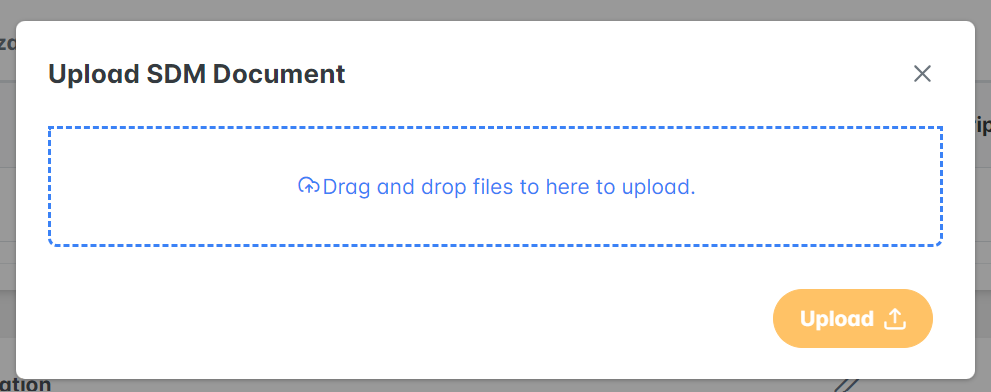
4. You will be taken back to the Client Profile screen where you will be asked to upload a supporting Substitute Decision Maker Document:

- Note: You will not be able to place a Digital Query until the document is submitted and approved by the SettLiT Team. Please allow 24 hours for the document to be approved.
5. Drag and Drop the appropriate file and select Upload.
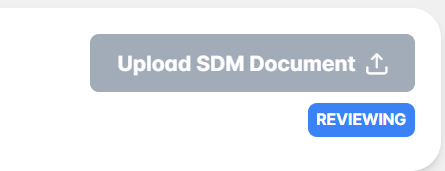
6. The document section will be marked as Reviewing until the SettLiT Team has reviewed and approved the document.
7. You will receive an email notification when the document has been approved. Continue to complete the client's profile by registering the Client Signature and then Run Query.
Use these Helpdesk articles to assist: How to Register the Client Signature & How to Place a Data Query.
Great job! You now know how to add a SDM/OBO client to your SettLit account.
Please reach out to us at support@settlit.legal if you have further questions!